Veed.io: A Complete Guide for Startups Professionals
Architecture & Design Principles Veed.io behaves like a hybrid client–cloud system. In-browser, expect a React/TypeScript editor with FFmpeg compiled to W...
By Dr. Amina Rahman, Markets Correspondent
15 February 2026
Serverless video editing is here—and it’s fast enough to matter
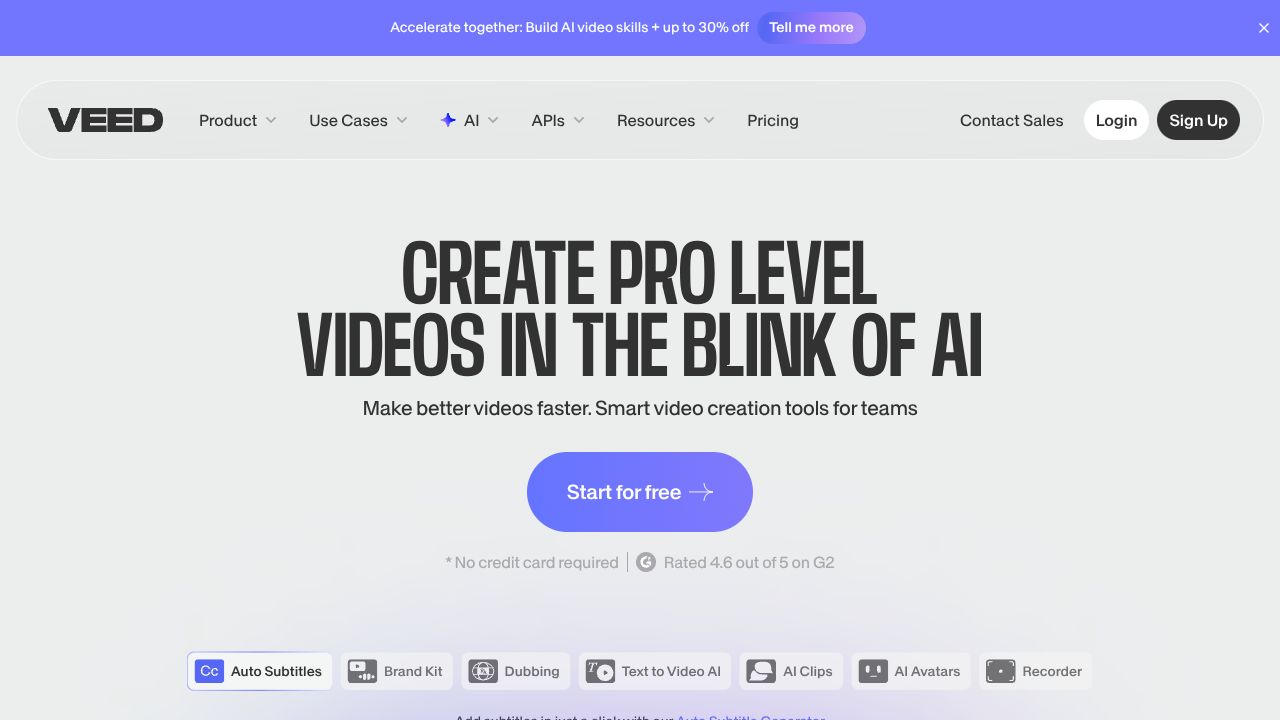
Veed.io reduces the distance between idea and publishable video by collapsing capture, edit, and optimize into a single GPU-accelerated browser experience. The platform’s core bet: a client-forward architecture (WebAssembly for media ops, WebGL/WebGPU for previews) backed by cloud microservices for heavy AI—ASR/translation, TTS/voice cloning, avatars, and eye-contact correction. The result is a social-first pipeline where aspect ratios, captions, and noise cleanup happen in one pass, without native installs or steep NLE learning curves. The design philosophy is pragmatic: automate the 80% of edits most creators repeat, then make the last 20% discoverable via drag-and-drop. Our analysis suggests Veed.io succeeds technically by pairing transcript-aligned editing with template-driven layout and ML heuristics for reframing and denoising.
Architecture & Design Principles
Veed.io behaves like a hybrid client–cloud system. In-browser, expect a React/TypeScript editor with FFmpeg compiled to WebAssembly for trimming/cutting/merging and proxy generation; Web Audio API for waveform scrubbing; and WebGL/WebGPU for real-time previews and filters. Latency-sensitive UX (playback, timeline manipulations) remains client-side; compute-intensive AI tasks offload to cloud services.
On the backend, a typical topology would include:
- Object storage (e.g., S3-compatible) for raw and mezzanine assets with signed URL access
- Stateless microservices for ASR/MT (e.g., Whisper-class models + transformer-based MT), TTS/voice cloning (speaker embeddings + neural vocoders), and gaze correction (face landmarking + warping)
- A render farm (GPU-backed) orchestrated via a job queue, emitting H.264/H.265/VP9 outputs and social-optimized bitrates
- CDNs for fast preview and export delivery
- Multi-tenant isolation, project-level permissions, and collaborative commenting
Scalability hinges on chunked uploads, resumable sessions, and autoscaling inference clusters. The design trades ultimate codec control for velocity: creators get one-click outcomes; advanced encoding knobs are abstracted.
Feature Breakdown
Core Capabilities
-
AI subtitles in 100+ languages
- Technical: Speech-to-text via large-vocabulary ASR with word/phrase timestamps; language identification; diarization for multi-speaker segments; alignment enables text-driven edits.
- Use case: Auto-caption short-form content for TikTok/Instagram; export SRT/VTT for accessibility. Metrics to track: word error rate (WER) by language, time-to-caption for 5–10 min clips, diarization accuracy.
-
Magic Cut (filler-word and silence removal)
- Technical: Forced alignment maps transcript tokens (“uh,” “um,” long pauses) to timeline intervals; batch deletion produces a coherent cut list; cross-fade insertion to mask cuts.
- Use case: Turn 45-minute webinars into 90-second highlight reels. Metrics: cumulative cut time saved, edit drift (A/V sync after batch operations), artifact rate at cut boundaries.
-
One-click aspect ratio + auto reframe
- Technical: Dynamic layout engine recalculates safe areas for 9:16, 1:1, 16:9; face/object tracking centers subjects across crops; template system applies motion graphics and brand kits.
- Use case: Repurpose a YouTube landscape interview into vertical Reels with burned-in captions and brand lower-thirds in minutes. Metrics: reframing hit rate (subject within bounding box), export time per ratio.
Additional highlights: screen + webcam recording with system audio capture; background noise removal (spectral subtraction/RNNoise-like models); eye contact correction (3D face mesh + warping); AI avatars and voice cloning for quick explainer voicing.
Integration Ecosystem
Veed.io prioritizes in-browser creation over deep platform extensibility. Typical workflows include direct upload, cloud storage import, and publishing to major social channels. Share links support review/approval; teams commonly automate around it using export web links and third-party automation tools. Compared with developer-first transcription services, public REST APIs and webhooks appear limited; buyers needing headless/batch pipelines should validate roadmap and partner connectors before committing.
Security & Compliance
As a cloud media processor, key due-diligence items include:
- Encryption in transit (TLS 1.2+) and at rest for media and transcripts
- Role-based access, SSO/SAML, and project-level permissions
- Data retention controls and regional storage options (GDPR readiness)
- PII in transcripts: redaction options and training-data opt-out for voice/ASR models
- Third-party audits (SOC 2 Type II/ISO 27001) for enterprise rollout Our recommendation: treat ASR/TTS assets as sensitive; contract for deletion SLAs and model training exclusions.
Performance Considerations
End-to-end speed depends on upload throughput, client hardware, and queue depth for AI and final renders. Client-side WASM previews mitigate latency, but GPU-backed server renders will dominate long-form exports and avatar generation. Best practice: enable proxy editing (lower-res previews), use hardwired networks for >2 GB projects, and schedule batch renders off-peak. Monitor: time-to-first-preview, caption generation time per minute of audio, export success rate, and 95th-percentile render latency.
How It Compares Technically
While Maestra excels at high-volume transcription/translation pipelines with granular localization workflows, Veed.io is better suited for end-to-end social production where editing, layout, and publishing live together. Simon Says offers studio-grade transcription/translation that post teams can slot into offline NLEs; Veed trades some ASR configurability for integrated editing and one-click ratios. Reduct.Video leads in transcript-centric review, search, and highlight assembly; Veed goes further on creative automation—auto reframe, avatars, visual templates—when the output is a finished, branded clip. For bulk localization or dev-driven batch jobs, the transcription-focused tools may have an edge; for creator velocity, Veed’s browser studio is compelling.
Developer Experience
Veed.io’s documentation is user-centric (tutorials, templates, workflows) rather than API-first. As of this writing, there’s no widely advertised public SDK; engineering teams should expect to integrate via share links, exports, and platform publish actions rather than REST endpoints. Support channels and education materials are strong for non-technical creators; engineering-focused guides, CLI tools, or webhooks are comparatively light.
Technical Verdict
Strengths: rapid social-first production, robust AI assist (captions in 100+ languages, magic cut, eye-contact, noise removal), and a performant browser editor that minimizes installation and training time. Limitations: limited developer extensibility, fewer low-level codec/bitrate controls than pro NLEs, and unknown pricing complicating procurement modeling. Ideal for content teams, marketers, educators, and early-stage startups needing consistent, on-brand, multi-platform output without a post-production hire. If your roadmap demands batch localization at scale or headless transcription APIs, evaluate Maestra, Simon Says, or Reduct.Video alongside Veed.io; otherwise, the data shows Veed maximizes throughput from record to publish.
Further Reading
Visit Veed.io →